
Electronic Sworn Statements & Document Management
Digital sworn statements, forms, processes, and packets —built for public safety.
jurat law — from the Latin jurat, “he or she swears.” The part of the document that makes it binding.
Jurat is an electronic platform built for law enforcement. Capture electronic statements in the field — delivered to citizens by email, text, and QR code. Keep processes, documents, policies, approvals, and audit trails in one place.
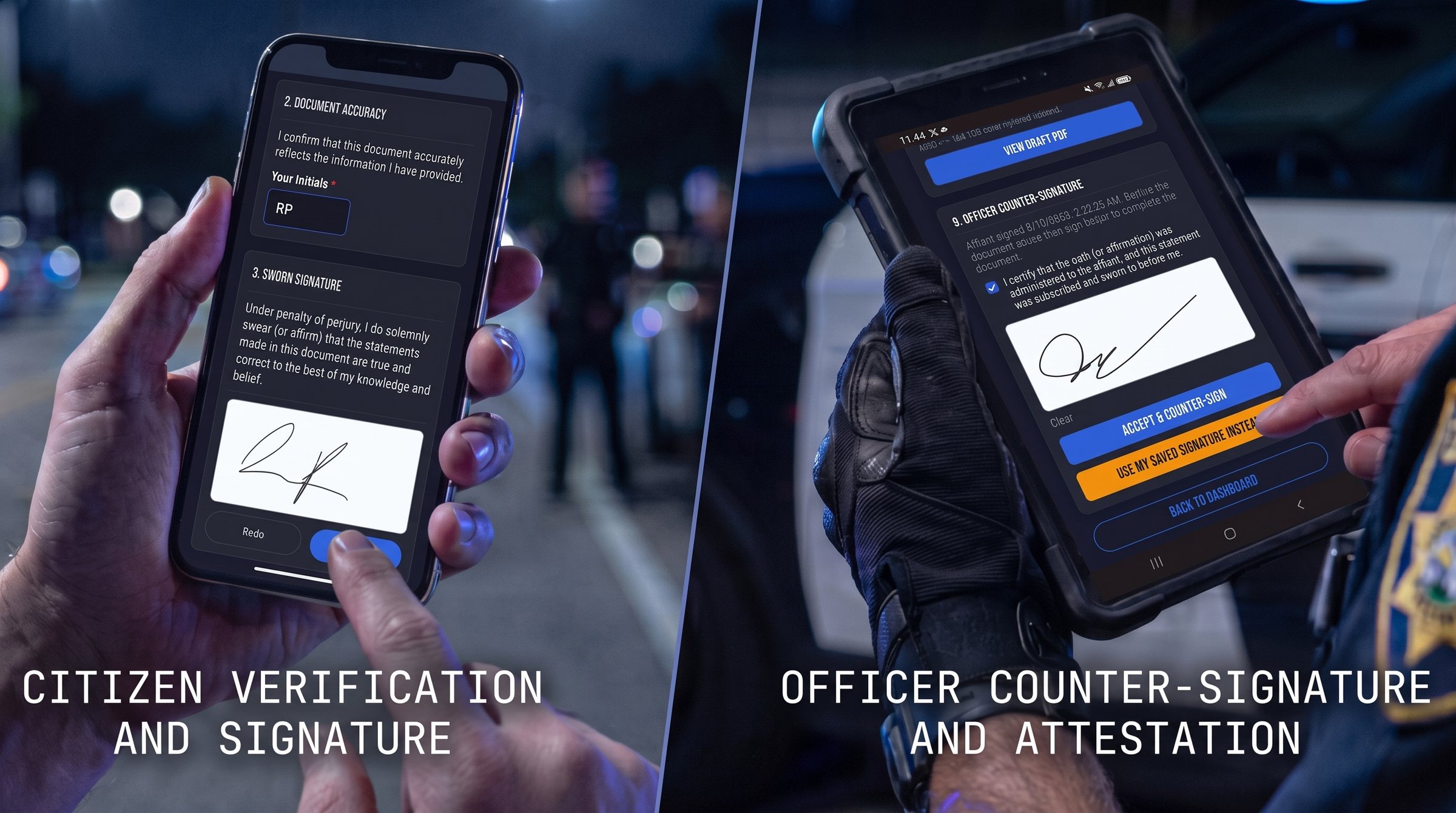
Officers sign in here. The public fills this out. Same case on the back.
Modules
Every module is included. Choose what your agency uses.
All of it is part of the site license, priced per sworn officer. Your admin switches each module on when the agency is ready for it.
Sworn statements
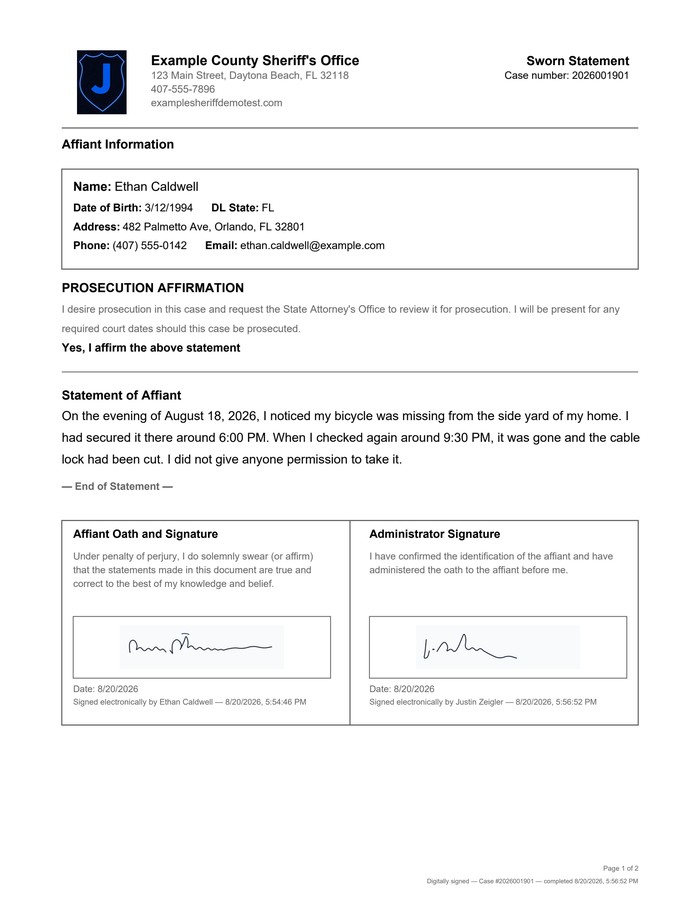
Dual e-signature, sealed the moment both people sign.
Learn moreVictim packets
Rights notices and assessments in one guided packet.
Learn moreCustom agency forms
Build your own forms in your agency’s branding.
Learn moreOnline reporting
A public front door with a staff queue behind it.
Learn morePolicy and training
Version and assign policies, plus courses, tests, certificates, and sign-in sheets.
Learn moreAccreditation prep
CFA and others, with proof on file.
Learn moreApproval chains
Send requests for approval.
Learn moreInternal Affairs
Complaints to findings, with restricted access.
Learn moreUse of force and pursuit forms
Step-by-step packets with a body diagram.
Learn moreInventory
Issued equipment by officer, spreadsheet import, and audits.
Learn moreAI report review
Draft, review, and revise. The officer accepts.
Learn moreMultiple languages
Signing pages in Spanish today, with more languages to come.
Learn moreElectronic documents, end to end
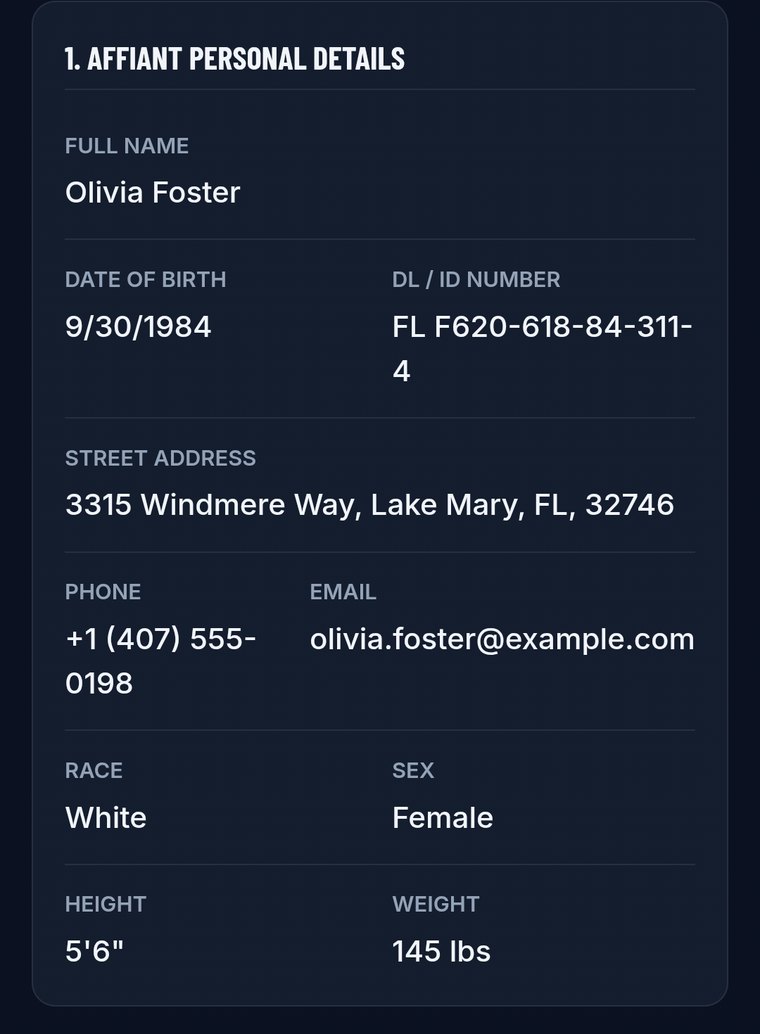
Identity, narrative, and form fields go in electronically in the field. There is no paper original.
Both people sign electronically. The moment they finish, a cryptographic PAdES seal is applied.
The file goes into your agency document system automatically, with the retention clock already attached.
Every sealed document and its audit trail can be searched and exported for discovery or records requests.
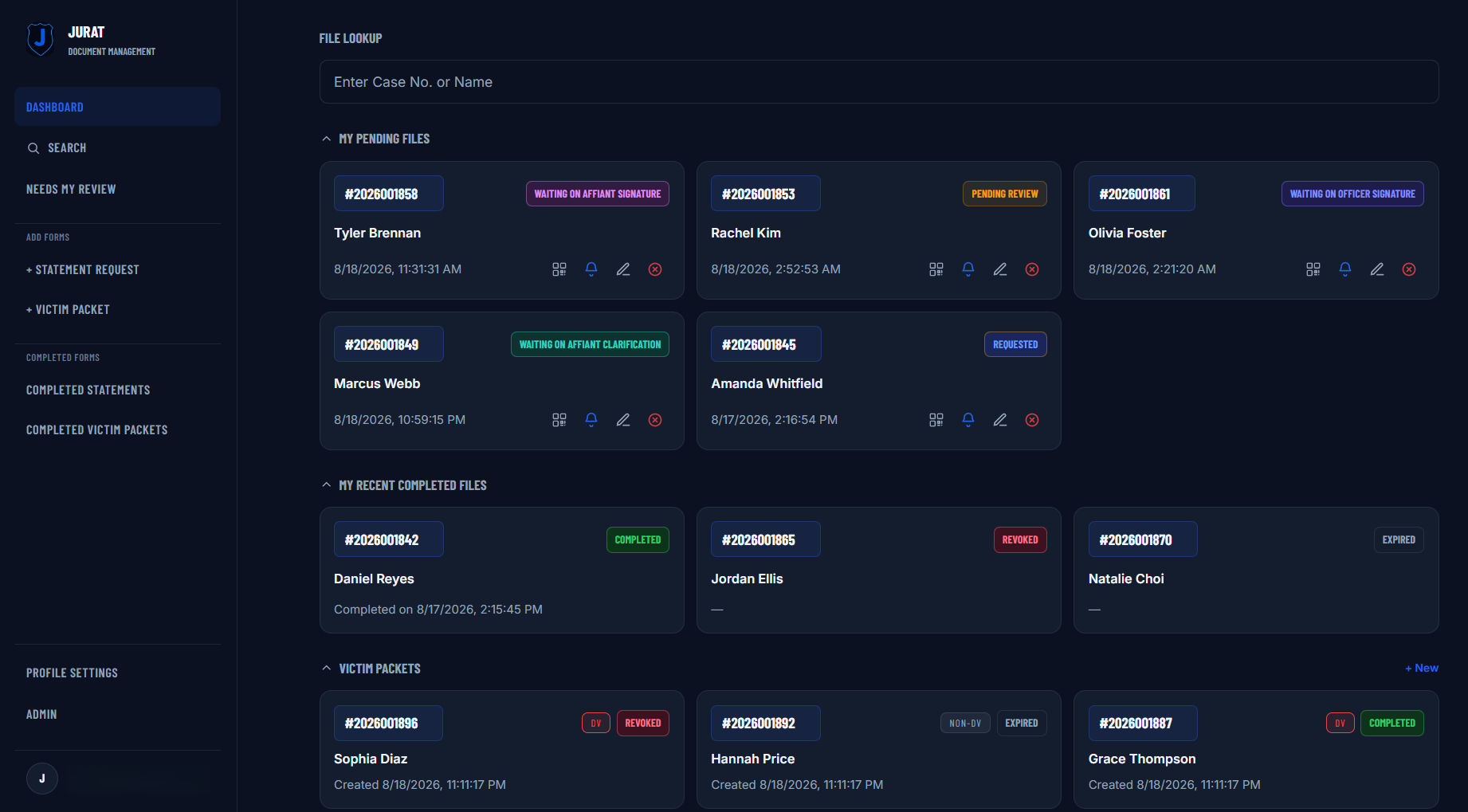
Everything, one dashboard
UOF, policy, training, statements, packets, forms, and more: in one place.
See It Work
One statement, start to sealed.
Real screens, in the order an officer and an affiant actually use them.
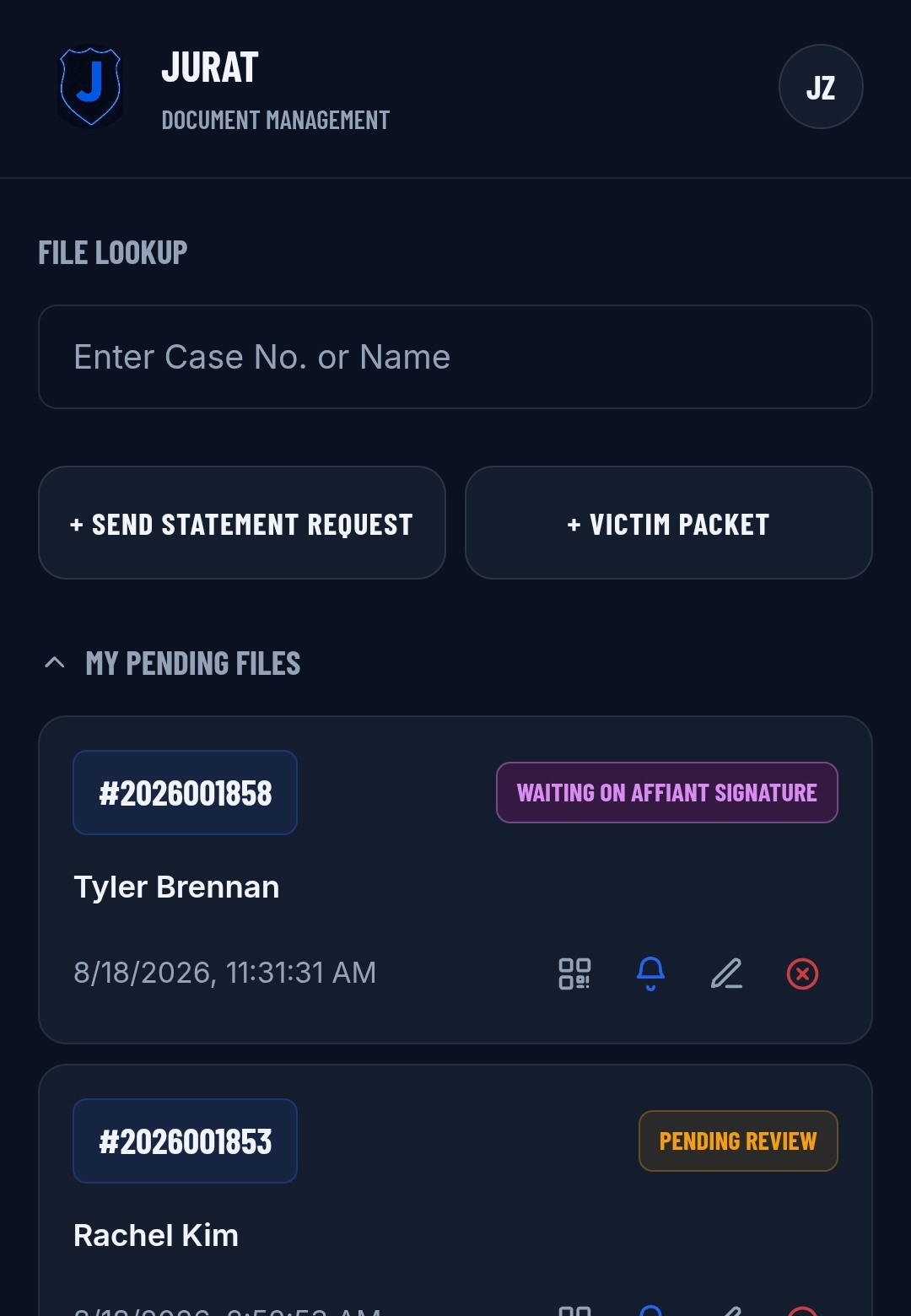
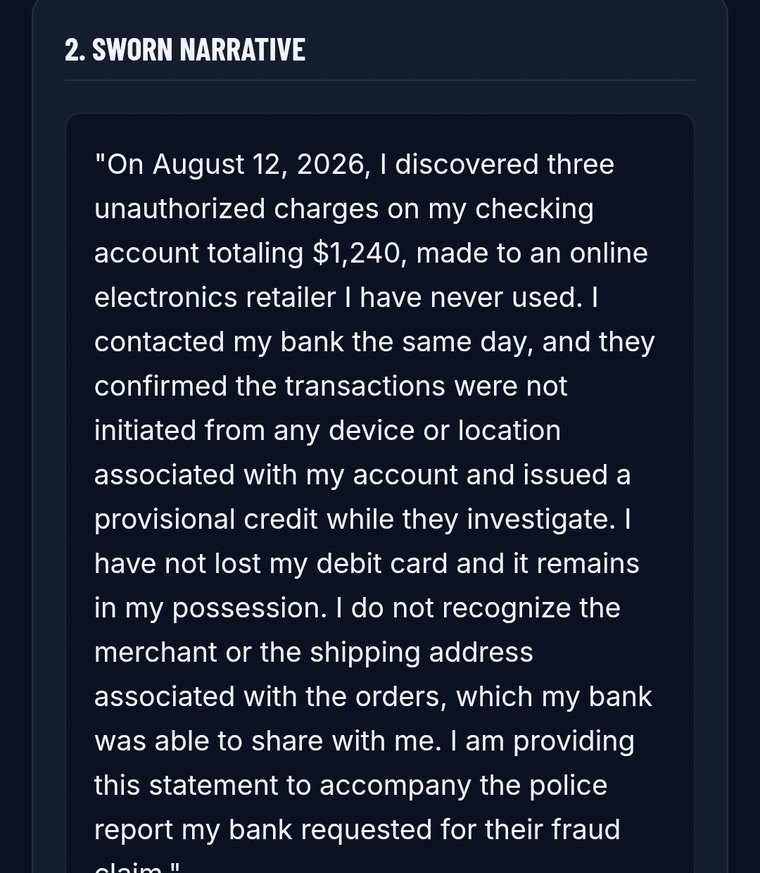
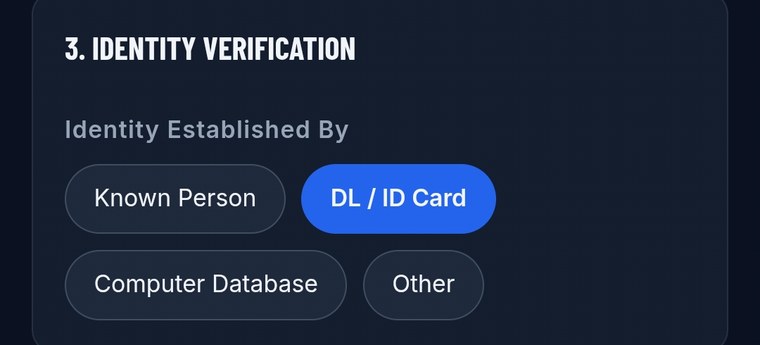
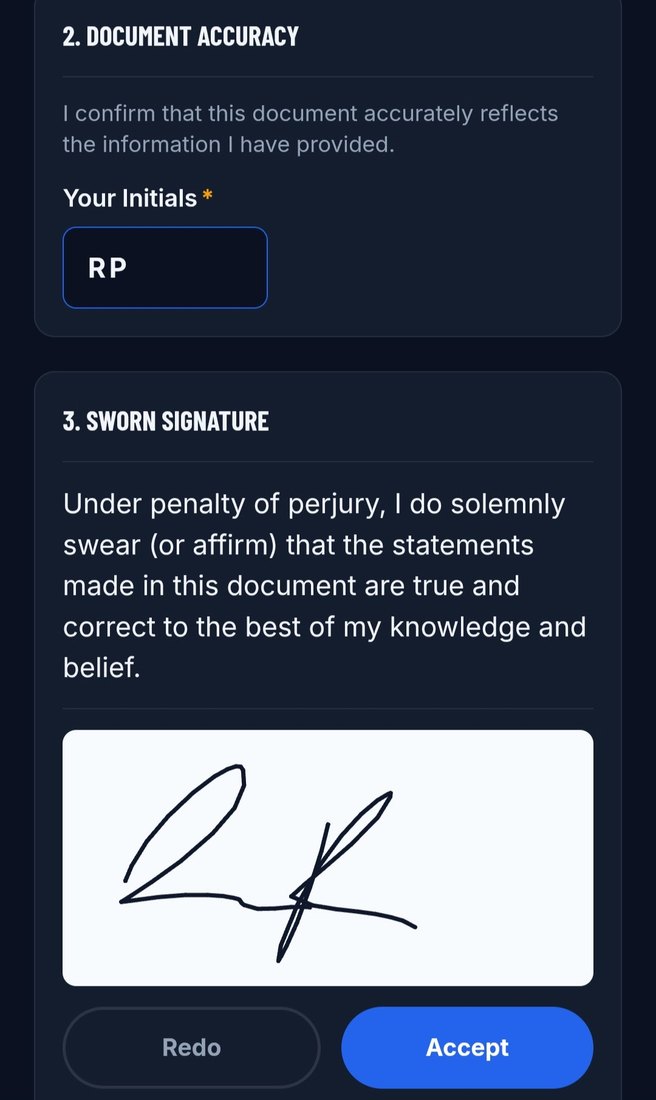
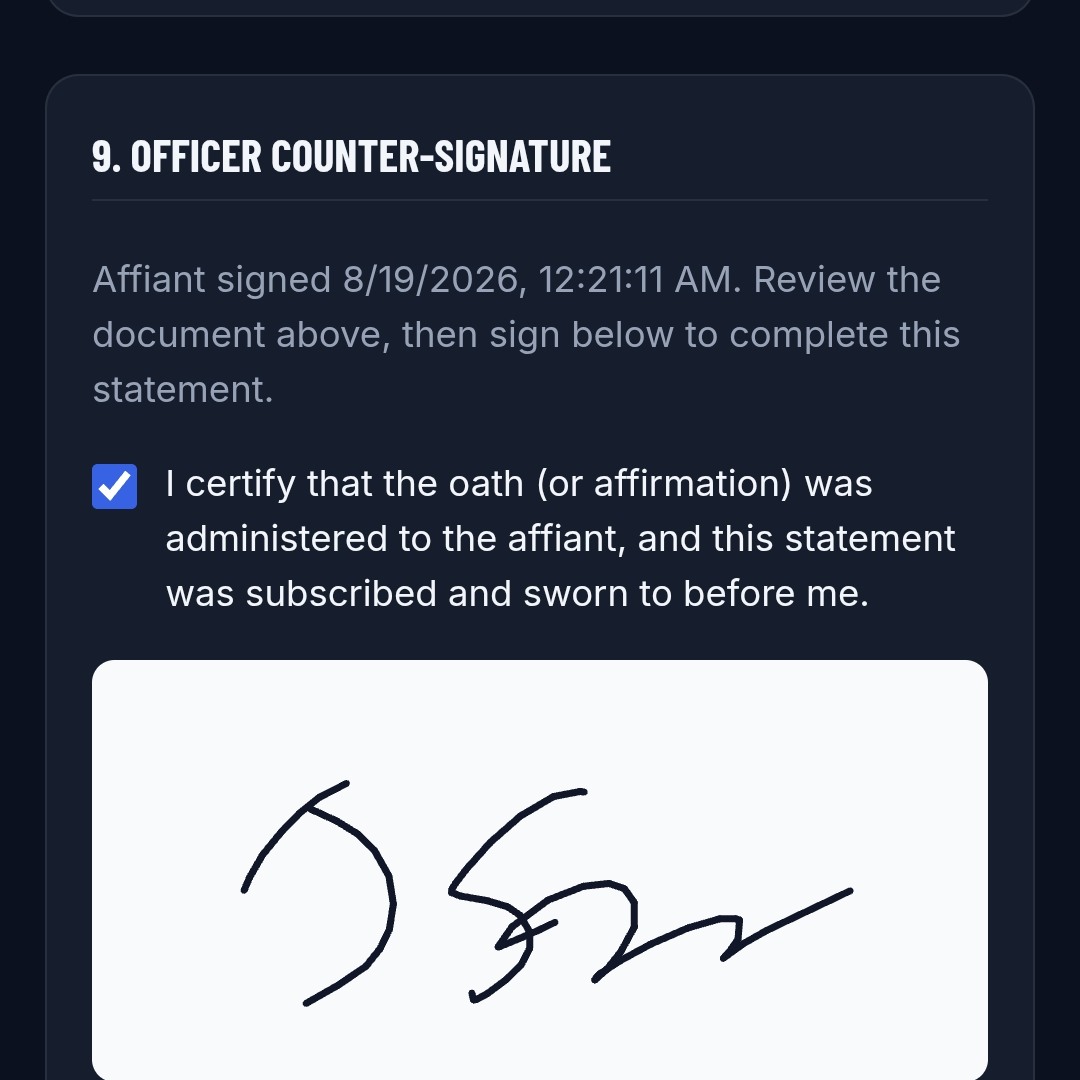
Officer opens the case
Every request sits in one queue with its status on the card.
Built for every seat in the workflow
One platform. Many roles.
Built for the field.
- Mobile intake replaces handwritten statements that nobody can read later.
- Saved signatures and QR handoffs in one tap. No packet to lose.
- A DL barcode scan fills in the affiant's identity. No retyping.
Also Available
Let citizens file the reports that don't need an officer.
Jurat Online Citizen Reporting is a branded front door for minor theft, vandalism, and lost-property reports, with a staff console behind it so those reports land in a real queue instead of a shared inbox. A Jurat license includes it at no extra cost — your staff sign in with the same Microsoft Entra account across both. Citizens filing a report don't need any account at all.